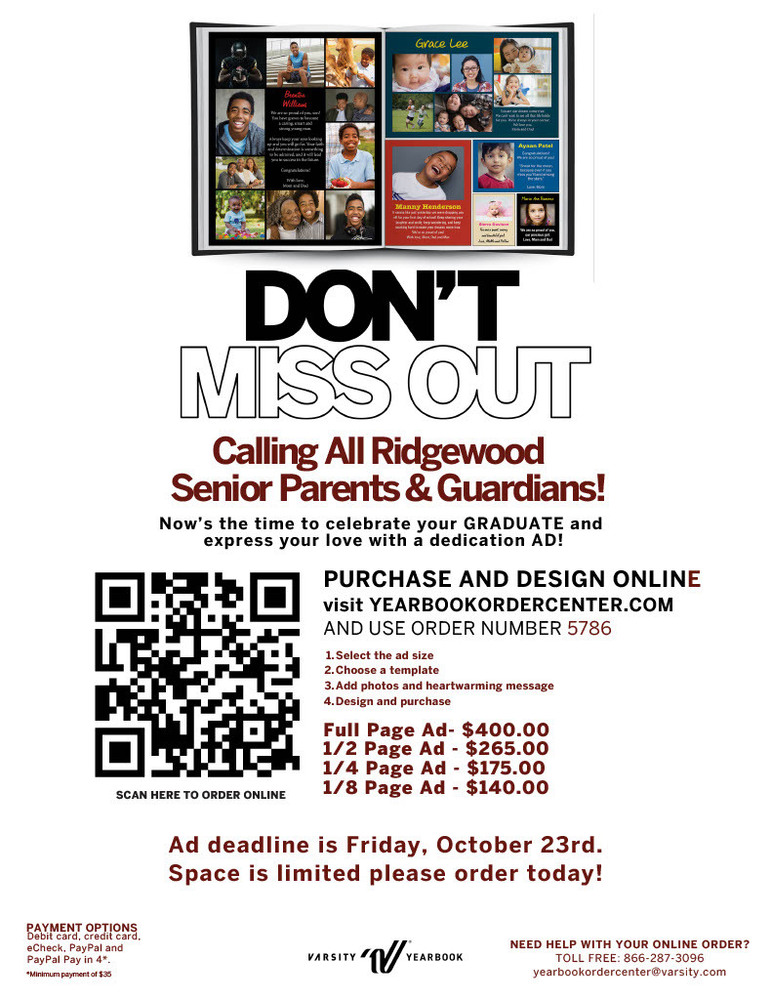
Deadline to Place Senior Class Yearbook Ad is October 23, 2026
SENIORS ONLY: HOW TO PURCHASE A SENIOR AD ONLINE
1. Go to the yearbookordercenter.com
2. Type in the school code (5786)
3. Click "Create a Yearbook Ad"
4. Follow the prompts to design your ad (add some baby pictures, a sweet message), add it to your cart and purchase it. (Your ad is not complete until you add it to your cart and complete the checkout process)
5. If you would like to make the process easier, click the video link or online ad creation guide
SENIORS ONLY: HOW TO PURCHASE A BOOK ONLINE
1. Go to http://www.yearbookordercenter.com
2. Type in the school code (5786)
3. Click "buy a yearbook"
4. Select item for purchase (put in quantity)
5. Input the name of the student you want to associate the package with. If it does not automatically come up, you may manually add their information
6. Type what you would like for the name stamp (if you are selecting this option)
A stereotypical name stamp would say either “FIRST NAME LAST NAME” or “FIRST NAME LAST NAME CLASS OF 2027”
7. Proceed with finalizing your order and go to checkout
PRICES
Senior Purchasing Details
EARLY BIRD SPECIAL!! BEFORE OCTOBER 23RD:
Yearbook Only: $100
With name stamp: $105
AFTER OCTOBER 23RD:
Yearbook only: $110
With name stamp: $115
NAME STAMPS (SENIOR BOOK ONLY!):
Almost all students personalize their yearbook. It not only helps to discern who a book belongs to but also adds a personal touch!
Online a "name stamp" maybe referred to as a personalization (Please proof your spelling)